How to report a scam text by forwarding it to 7726
A free number run by the mobile networks lets you pass on suspicious messages in seconds, and there are similar routes for dodgy emails and calls. Here is what to do with them.
A text says a parcel could not be delivered and asks for a small fee. Another claims to be from your bank and wants you to "confirm" a payment by tapping a link. Most people have had messages like these, and most people simply delete them. Taking ten seconds to report one first helps stop the same message reaching thousands of other phones.
The number to remember
Forward the scam text to 7726. The number spells SPAM on an old-style phone keypad, which makes it easier to remember. It is free on the main UK mobile networks.
How to do it:
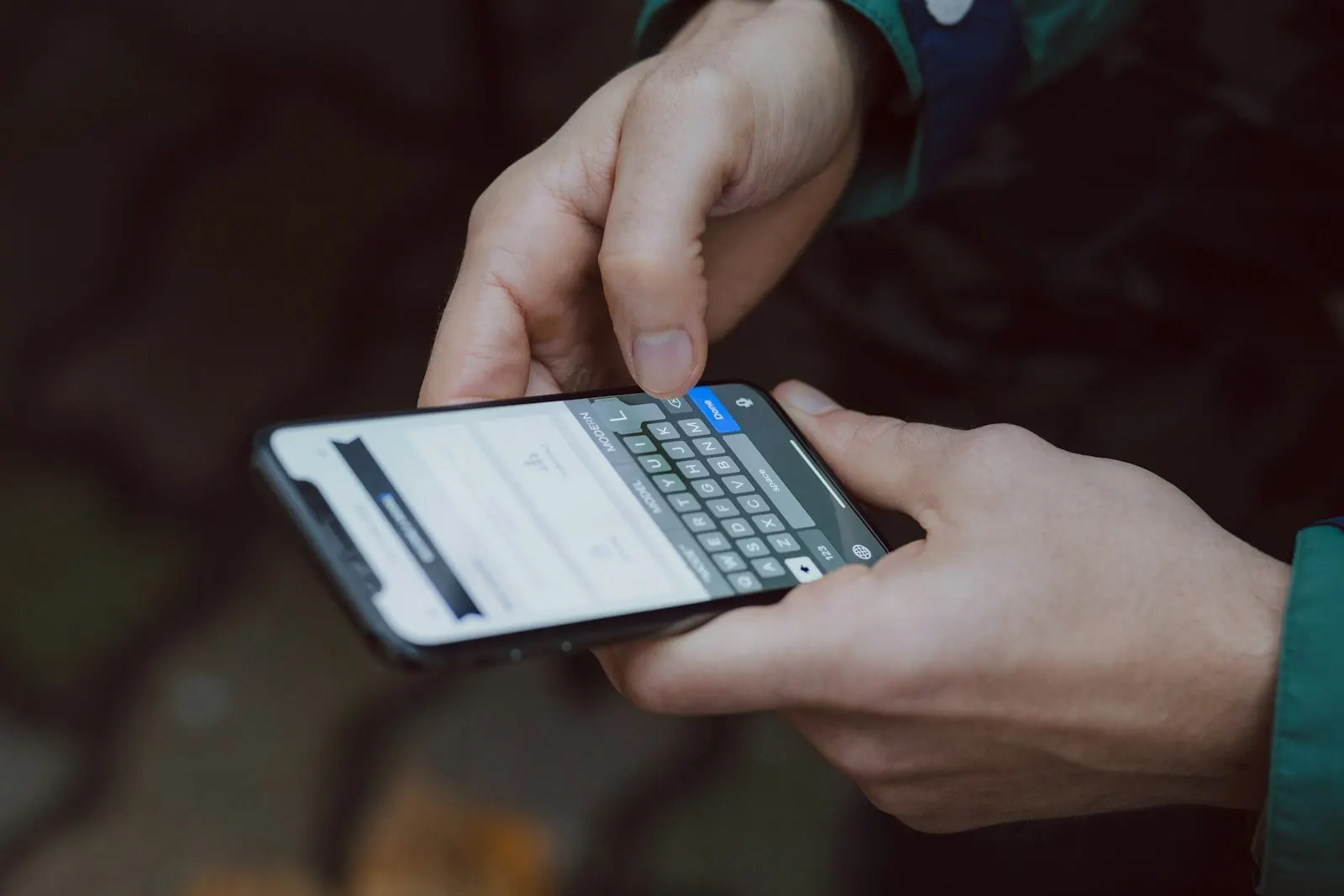
- Press and hold the message, then choose "Forward". On some phones it is under "More".
- Type 7726 as the recipient and send it.
- You will get a reply asking for the phone number the scam came from. Copy it from the original message and send it back.
Your network uses these reports to spot numbers and wording being used by scammers and to block messages before they reach other customers. You will not usually get a personal reply, and you do not need one.
Once you have forwarded it, delete the message and block the number.
Scam calls. You can also use 7726 for a suspicious call. Send a text to 7726 with the word "call", followed by the number that rang you. Your network will treat it in the same way.
Scam emails. Suspicious emails can be forwarded to report@phishing.gov.uk. This address is run by the National Cyber Security Centre, which checks the links in reported emails and can have harmful websites taken down. The same service accepts reports of scam websites through the NCSC website.
The tell-tale signs
Scam messages change all the time, but they tend to share some features:
- Urgency. A deadline, a threat that an account will be closed or a parcel returned, or a fine that will go up if you wait.
- A link or a number to ring. Genuine organisations rarely need you to tap a link in a text to sort out a problem.
- A small payment. Asking for a pound or two for redelivery is a common way to collect card details.
- Odd sender details. A mobile number instead of a company name, or a web address that is slightly misspelt.
- A message from an "unknown number" claiming to be a family member who has lost their phone and needs money.
If you are unsure whether a message is real, do not use any contact details it gives you. Look up the organisation's number yourself, from its website or a letter or card you already have, and ask.
If you have already tapped the link
Do not panic, but act quickly. If you entered bank or card details, call your bank straight away. Calling 159 from most UK phones connects you to the fraud team of many of the major banks. Change any passwords you entered, starting with your email account.
If you have lost money, report it to your bank and to the police. Your bank can explain how to make a fraud report and whether you can get the money back.
Helping someone else. Older relatives and teenagers with their first phone are both common targets. Showing someone how to forward a message to 7726, and agreeing that nobody in the family will ever ask for money by text without a phone call first, are two simple steps that make a real difference.